
Whenever some data is to be loaded it is a common practice to show a loading mask image to notify the user of the same. It can be disappointing to see a boring loading mask when you expect some real data to be represented. There are options like ‘Skeleton Screens’ which help users know which data will be loaded where; but even with them being implemented, there could still be cases where a loading mask needs to be shown. For example, loading data inside a grid, tree, etc.
In many such situations loading masks are preferred. But the question to be asked is, do we use a single, boring option provided to us or can we make them look better or suit our brand colors?
Why use a loading mask?
Usually, when an application requests the server to provide data, the response depends on the quality of code, the network speed and several other constraints. Instead of pushing the user to a confused state as to what is happening after his action, it is advisable to display a loading mask. Thus, the user can be provided with the notion of some progress from his previous state.
What Ext JS provides out-of-the-box?
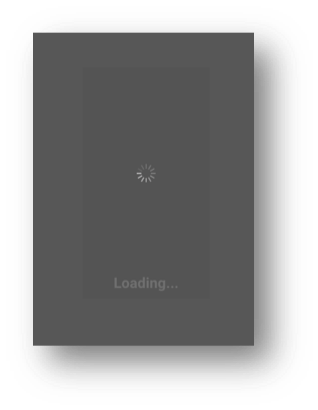
Ext JS provides a simple loading mask with a spinner and default message that says ‘Loading…’, which masks the content behind it. In some cases, like after a login button click or any Ajax requests, the developer has to initiate and handle the masking and unmasking. In other cases, like a grid store load, Ext JS handles the masking and unmasking by default; this is so, provided the ‘loadingText’ attribute in the config is not set to false.
Can we get fancy?
The power of Ext JS to extend components allows us to customize the loading mask with minimal steps and ensure that it reflects across your application without the need of code change while implementing.
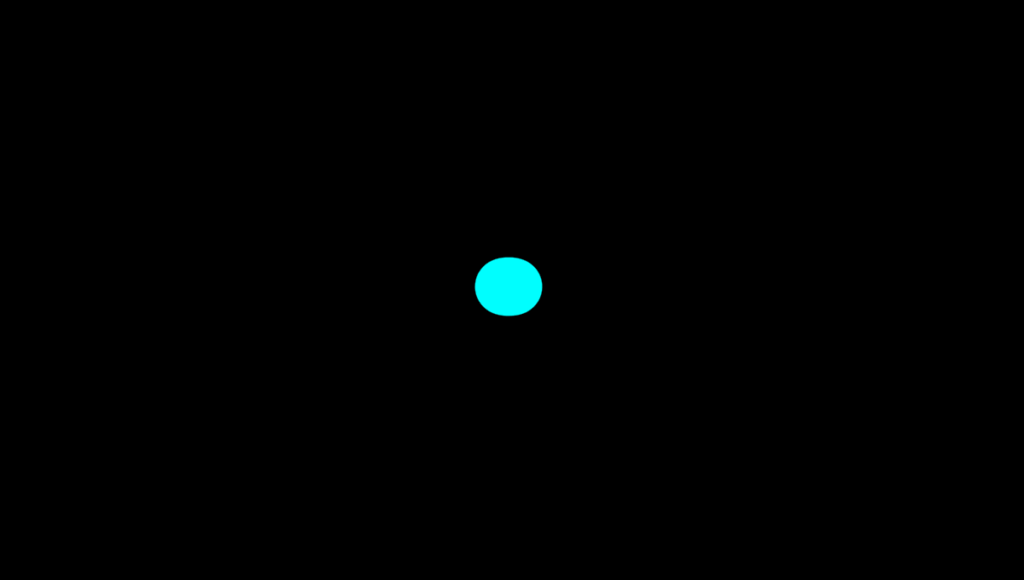
Some examples of customized loading masks are provided below:


Implementation:
Provided below, is a simple way to implement a customized loading mask.
Javascript:
Core concept:
Override the ‘getTemplate’ method of ‘Ext.LoadMask’ and mention the class name in which you have the spinner styling at cls config.
    getTemplate: function () {
        return [{
            //it needs an inner, so it can be centered within the mask, and have a background
            reference: 'innerElement',
            cls: 'custom-loading-container',
            children: [
                //the elements required for the CSS loading {@link #indicator}
                {
                    reference: 'indicatorElement',
                    cls: 'blob-1',
                },
                {
                    reference: 'indicatorElement1',
                    cls: 'blob-2',
                },
                //the element used to display the {@link #message}
                {
                    reference: 'messageElement',
                    cls:'loading'
                }
            ]
        }];
    }
This is the SCSS constructor:
html,body{
	background:#000;
	margin:0;
    .custom-loading-container{
        width:400px;
        height:400px;
        position:absolute;
        top:50%;
        left:50%;
        transform:translate(-50%,-50%);
        background:#000;
        filter: blur(10px) contrast(20);
    }
    .loading{
        color:#ffffff;
        text-align: center;
        font-size: 24px;
    }
    .blob-1,.blob-2{
        width:70px;
        height:70px;
        position:absolute;
        background:#fff;
        border-radius:50%;
        top:50%;left:50%;
        transform:translate(-50%,-50%);
    }
    .blob-1{
        left:20%;
        animation:osc-l 2.5s ease infinite;
    }
    .blob-2{
        left:80%;
        animation:osc-r 2.5s ease infinite;
        background:#0ff;
    }
}

@keyframes osc-l{
	0%{left:20%;}
	50%{left:50%;}
	100%{left:20%;}
}
@keyframes osc-r{
	0%{left:80%;}
	50%{left:50%;}
	100%{left:80%;}
}
To conclude, customizable loading masks provided by Ext JS are a good way to add some creative interaction between the user and system while some background processes are being run. The ease of implementation and the extent of customization make it a good addition to the Ext JS stack.